

Voghion: Keşfedin, Alışveriş Yapın, Keyfini Çıkarın
Voghion'da alışveriş yapın ve tasarruf edin
ELDE ETMEK






1/5
4 faizsiz iki haftada bir taksit
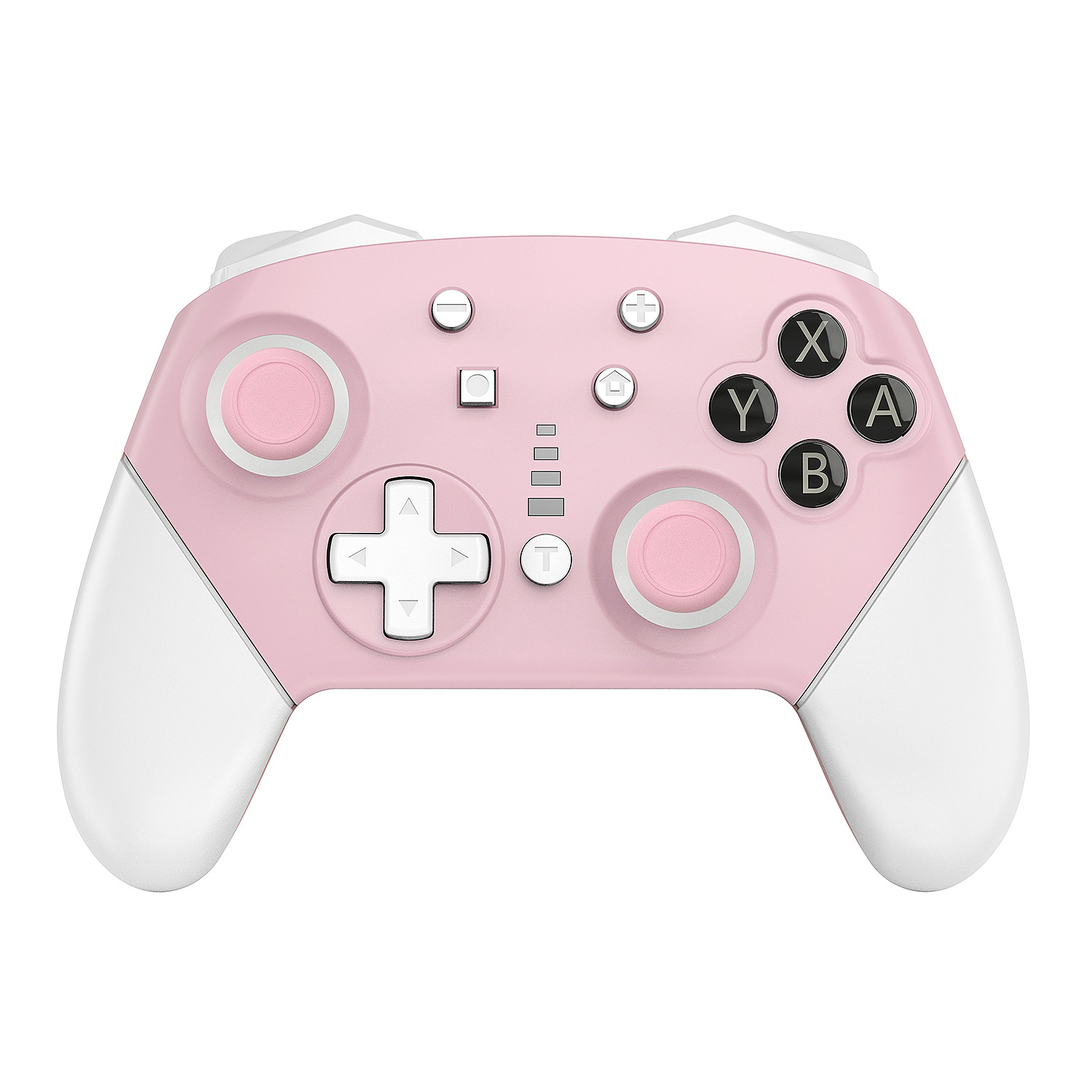
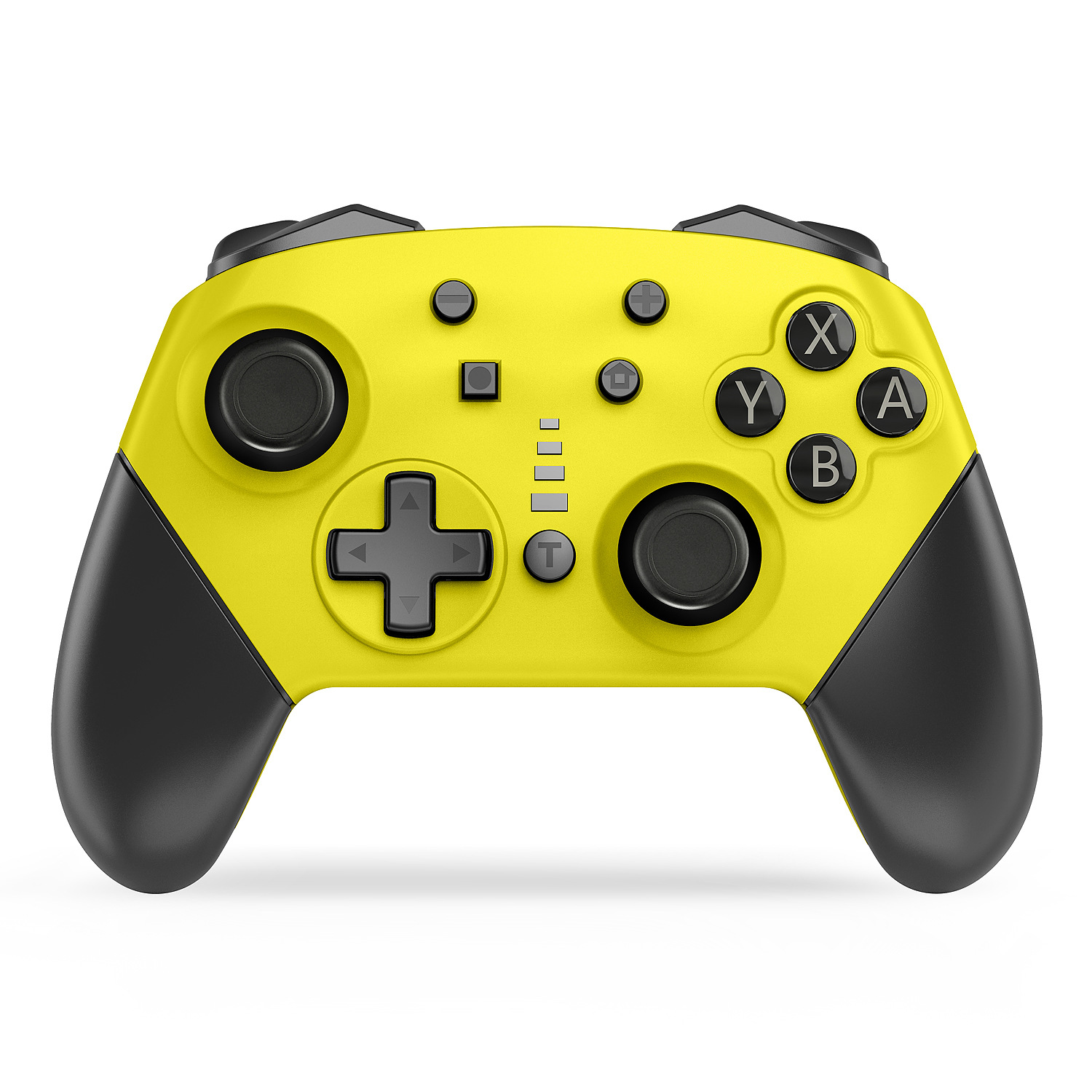
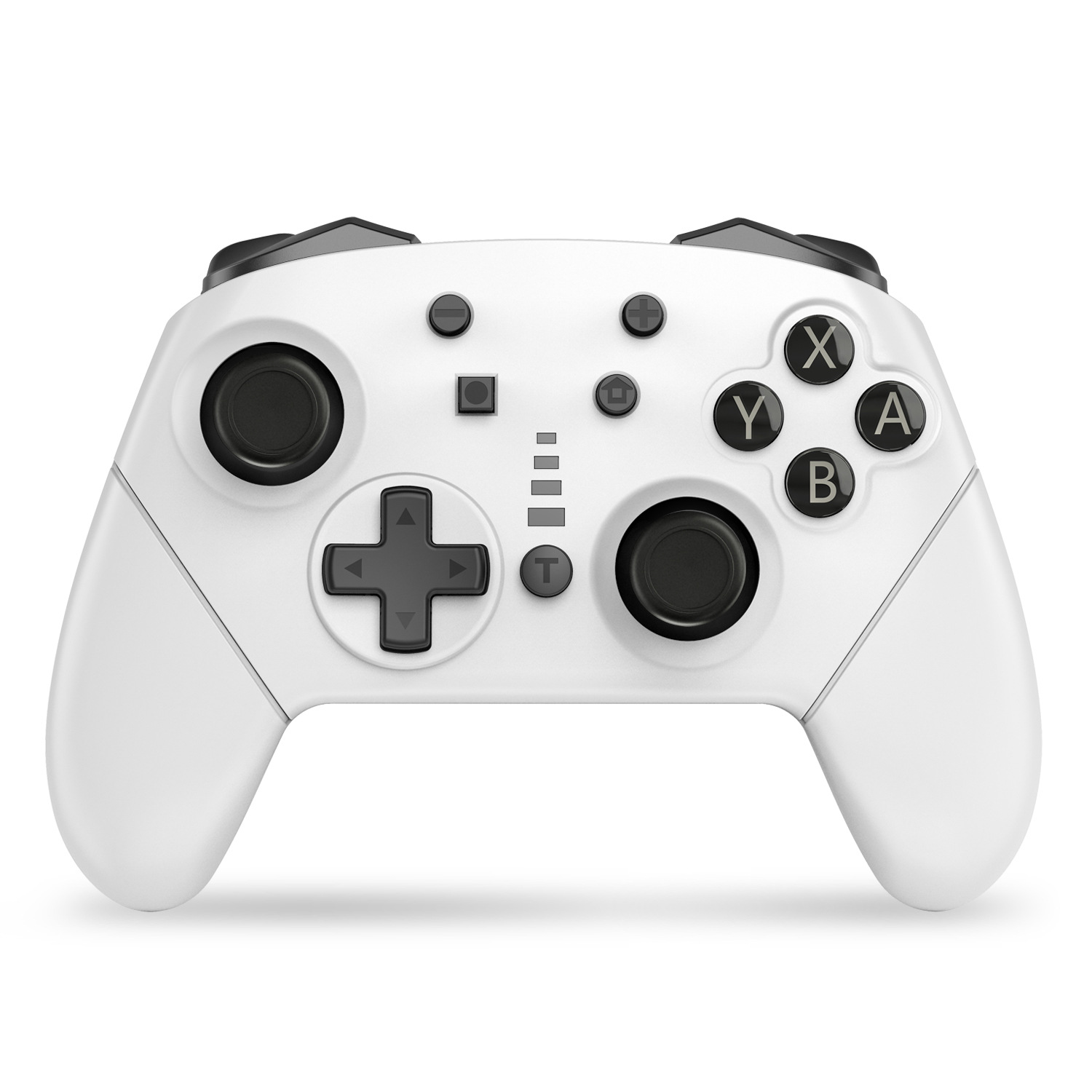
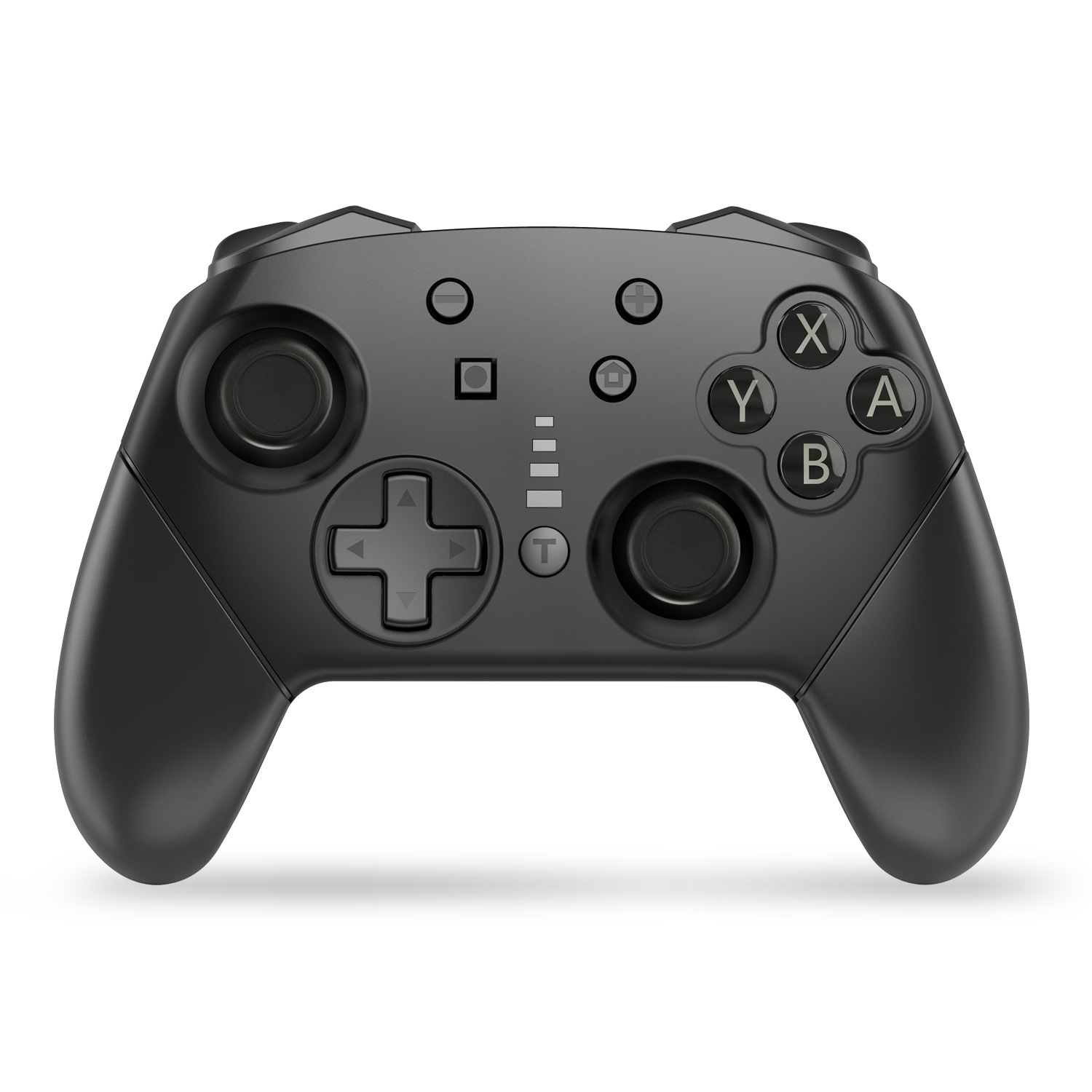
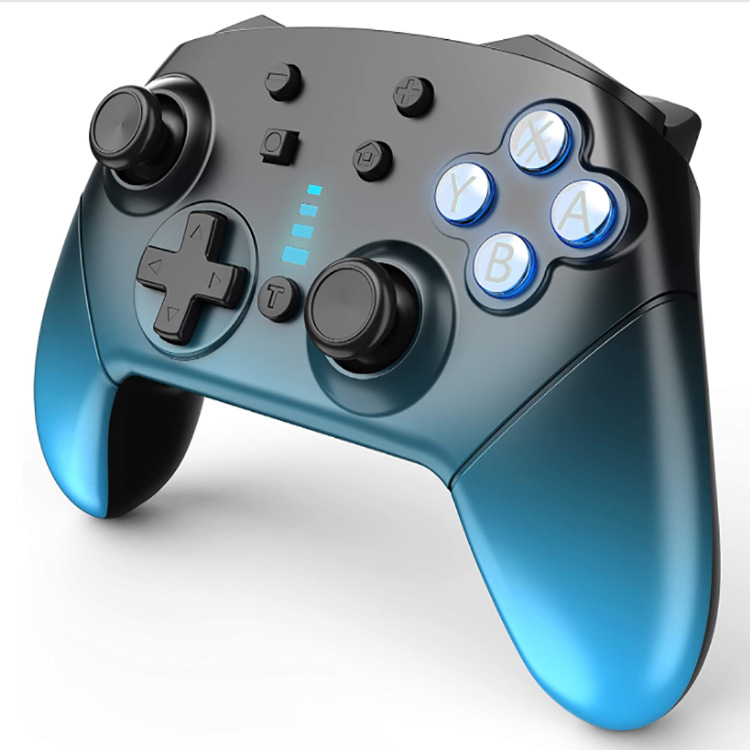
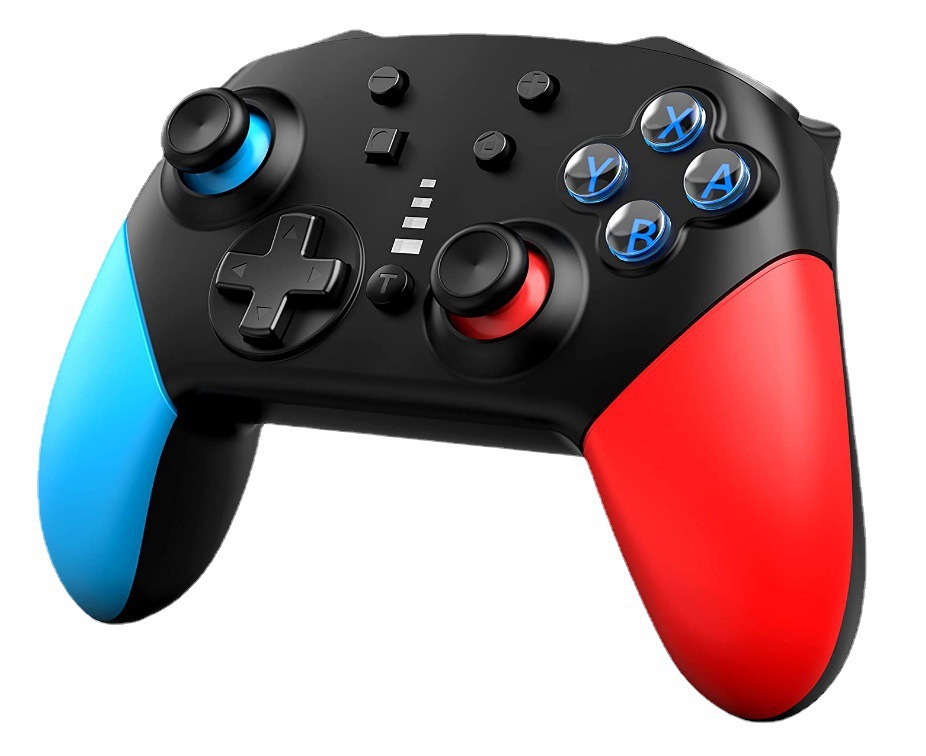
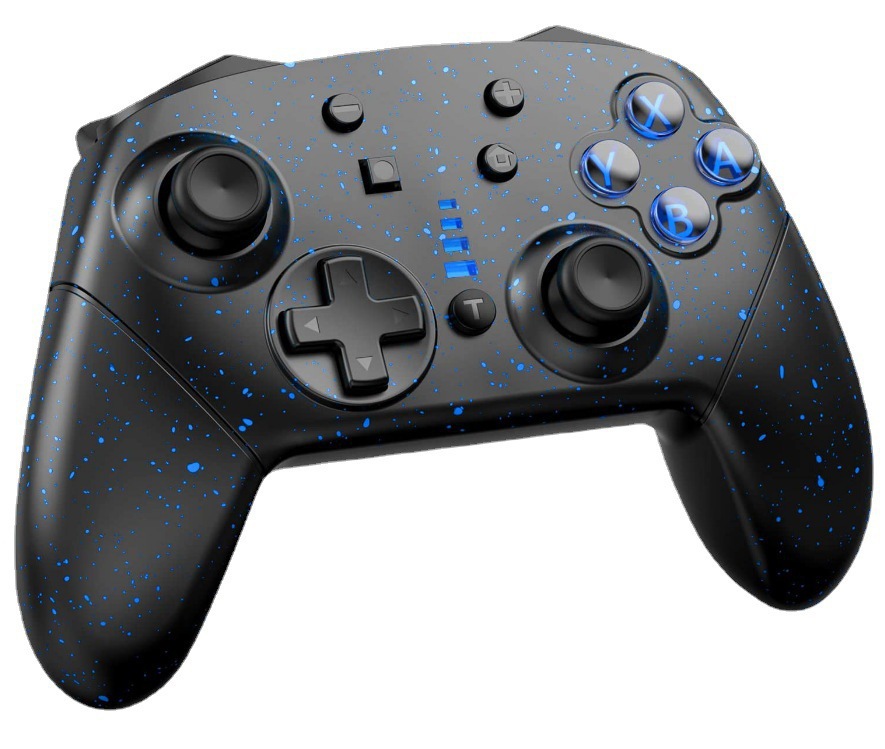
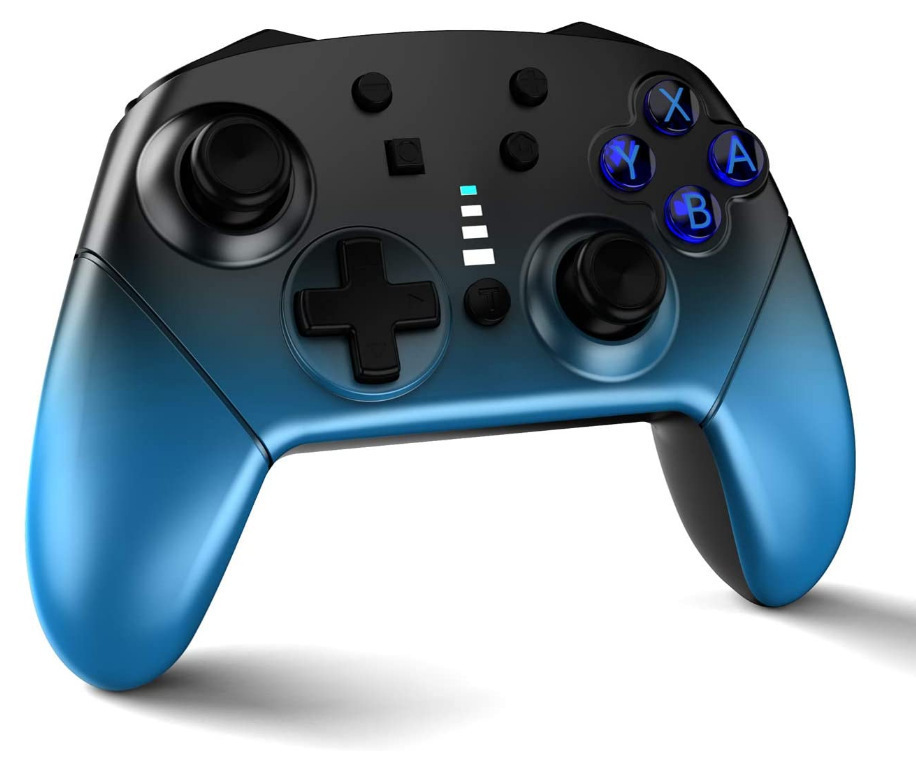
Switch Pro kablosuz çift titreşimli oyun anahtarı denetleyicisi bilgisayar PC
37,65€
58,04€
-35%
2,01€-2,00€
2.500,00€-250,00€
1.999,00€-200,00€
1.299,00€-130,00€
ÜrünNo: 20640781
Ürün Rengi
1,99€ Voghion Teslimatı
18~30 iş günü içinde ulaşır
Buyer Protection
Ürün özellikleri
Bağlantı
Kablosuz, Bluetooth, Kablolu
Uyumlu Marka
Atari,Konami,Playstation 5
Satıcıdan ürün açıklaması
S02 game controller description, this is the price excluding tax, please consult customer service for an invoice
1. Compatible with Switch hosts and Windows PC 360 mode
2. No driver needs to be loaded, the handle can be paired and connected to the host for use
3. It adopts Bluetooth V3.0 wireless communication to connect with the host, with strong anti-interference ability, easy operation, and stable connection signal
4. Equipped with a built-in 600mAh polymer lithium battery, it can last for about 10 hours after being fully charged, with a charging time of 5-6 hours
5. Ergonomic design and lightweight handle construction make players feel comfortable, even if playing the game for a long time without feeling tired.
6. This handle has gyroscope axis function, dual motor and dual vibration function, and can connect up to 4 wireless handles to the host at the same time.
7. You can also play games normally while the controller is charging.
8. This controller can be upgraded using updated software by connecting to a computer.
The following is an explanation of the connection instructions for the handle
1) Connect the Switch host:
A. First time connecting the controller to the host: Turn on the Switch host, in the host menu interface, touch and click on "Controllers" with your finger
"Change Grip/order" enters the host pairing mode interface "Press L+Ron the controller", ignoring "L+R"; On the controller, press and hold the "HOME" button for 5 seconds to turn on the controller and enter pairing mode. The four LEDs surrounding the "HOME" button start to flash rapidly. When one LED stays on, the controller successfully pairs with the host, and then press the "A" button to operate. Note: A. To connect the controller to the host for the first time, you must click on the host's main interface with your finger.
B. When reconnecting the controller to the host: Press and hold the "HOME" button for 2 seconds to turn on the controller. The controller will automatically connect to the host, and then press the "A" button to operate.
C. Wake up controller: When the controller is in sleep mode, short press the HOME button to wake up the controller. The controller will automatically reconnect with the host, and then press the "A" button to operate.
2) Connect to a Windows computer:
You need to first download the PC 360 driver to Windows Shennao, and then connect the controller to the computer using the USB cable provided with the controller. After the driver is installed, the LED of the HOME key on the controller will remain on, and the controller can be used. PC 360 mode game
İlgili Aramalar
oyun kumandası bilgisayaruzaktan kumandalı oyun kumandasıbilgisayar video oyun kumandasımobil oyun kumandasımobil oyun kumandasıdövüş oyunu kumandasıoyuncak oyun kumandasıtaşınabilir oyun kumandasıBluetooth oyun kumandasımobil oyun kumandasıswitch joypadPC oyun kumandasıcep telefonu oyun kumandasıkablosuz oyun kumandasıcep telefonu oyun kumandası