





1/6
Commutateur KVM VGA - Hub de gestion pour deux ordinateurs avec résolution HD 1920 x 1440 pour une efficacité de bureau transparente
803.06
1306.39
-39%
24.51-24.27
60672.17-6067.22
48513.46-4853.77
31525.26-3154.95
Numéro d'article: 25911985
modèle
48,30 Kč Livraison à Voghion
Arrive dans 18 à 30 jours ouvrables
Buyer Protection
Description de l'article par le vendeur
VGA KVM Automatic Switch - Dual Machine Management for Efficient Office Work
Buy Now
Product Highlights:
One-Click Switching: Easily switch between two computers using a physical button or keyboard hotkey.
High-Definition Visual Experience: Supports 1920*1440P resolution for a clear and delicate picture quality.
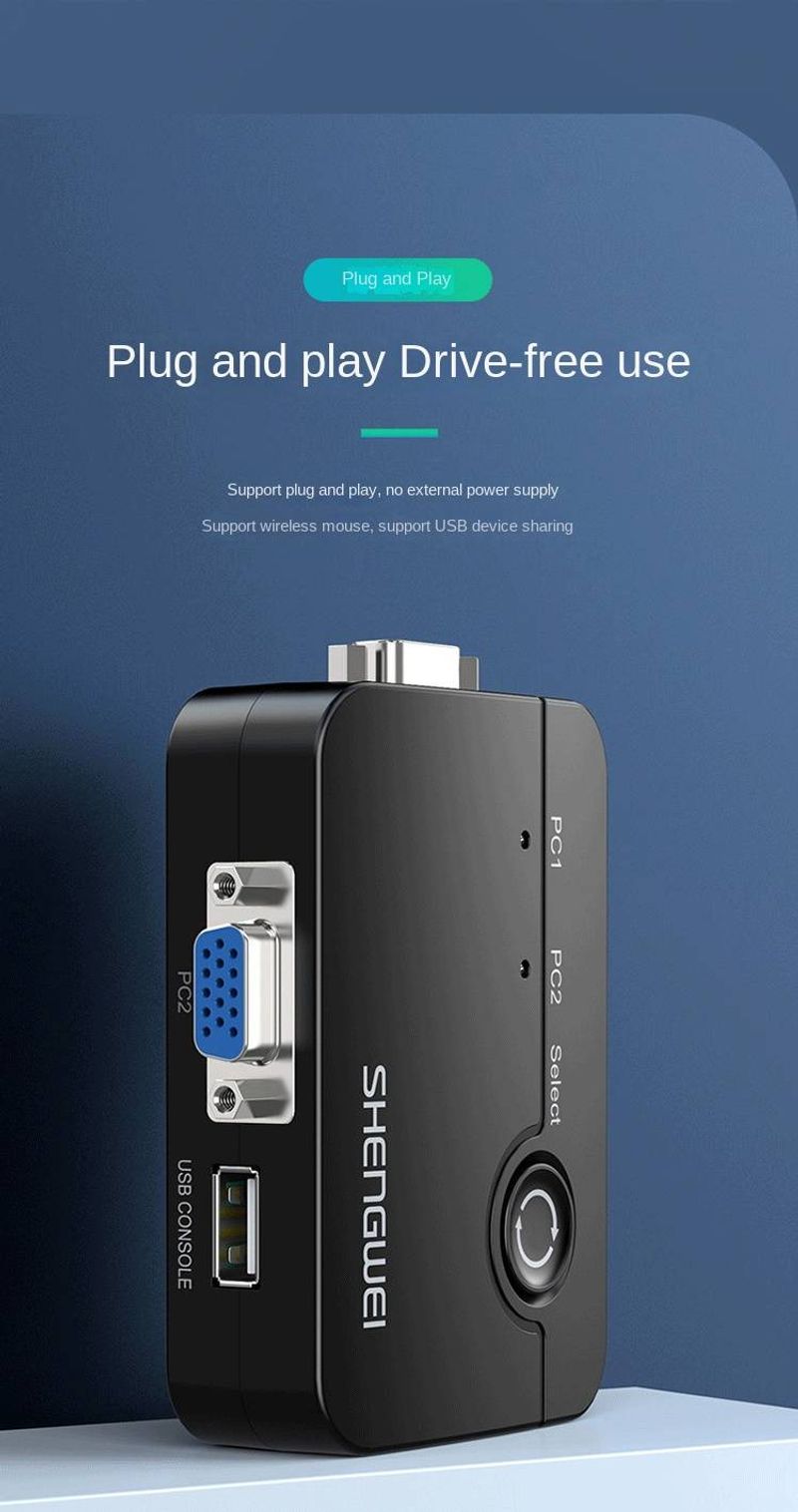
Plug and Play: No external power supply or driver program needed, simplifying the installation process.
Product Details:
Interface: VGA
Material: PC+ABS
Color: Black
Resolution: 1920*1440P
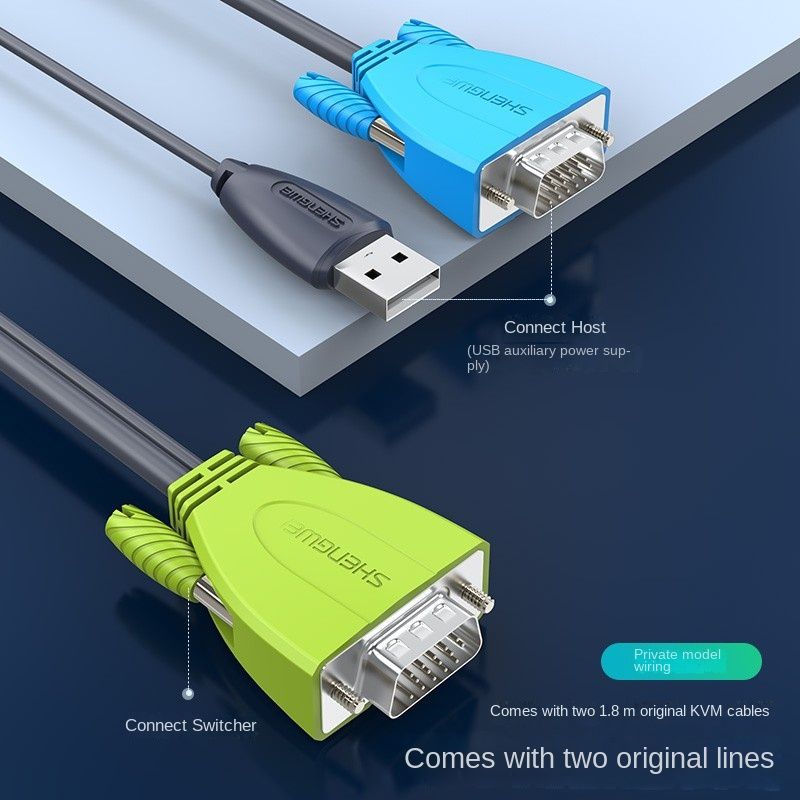
Accessories: Two 1.8-meter original KVM cables
Technical Specifications:
Supported Systems: Windows XP/Vista/7/8/10 (32/64bit), Linux, Mac OS
Switching Methods: Physical button switching, keyboard hotkey switching
Hotkey Switching Method: Double-click the [Scroll lock] and then press the [up or down arrow key] or [S] followed by the number pad [1 or 2]
Power Supply: USB-assisted power
Application Scenarios:
Office
Reception Room
Conference Room
Product Advantages:
Efficient Management: Manage two computer hosts with one set of keyboard, monitor, and mouse.
Private Mold Cables: 1.8 meters long, professionally crafted, highlighting uniqueness.
Strong Stability: Built-in main control chip reduces computer crashes and issues with keyboard and mouse after switching.
Warm Reminder:
Correct Connection Method: The KVM switch is connected to two hosts and a monitor, with the mouse and keyboard connected to the KVM switch.
Incorrect Connection Warning: Avoid incorrect connections to ensure the device works properly.
Add to Cart | Learn More