





1/6
pagare in 3 o 4 rate
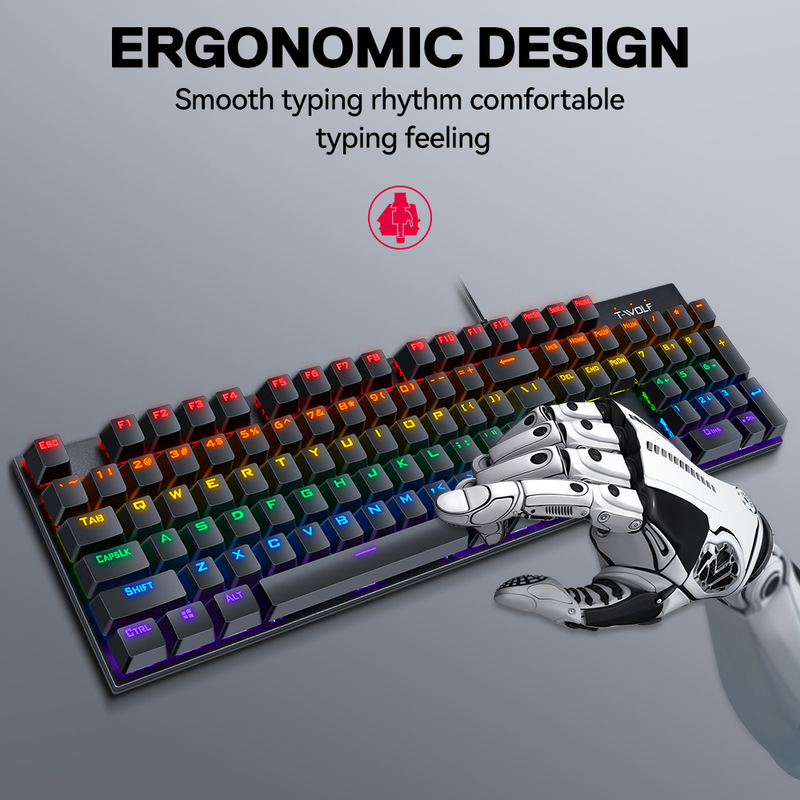
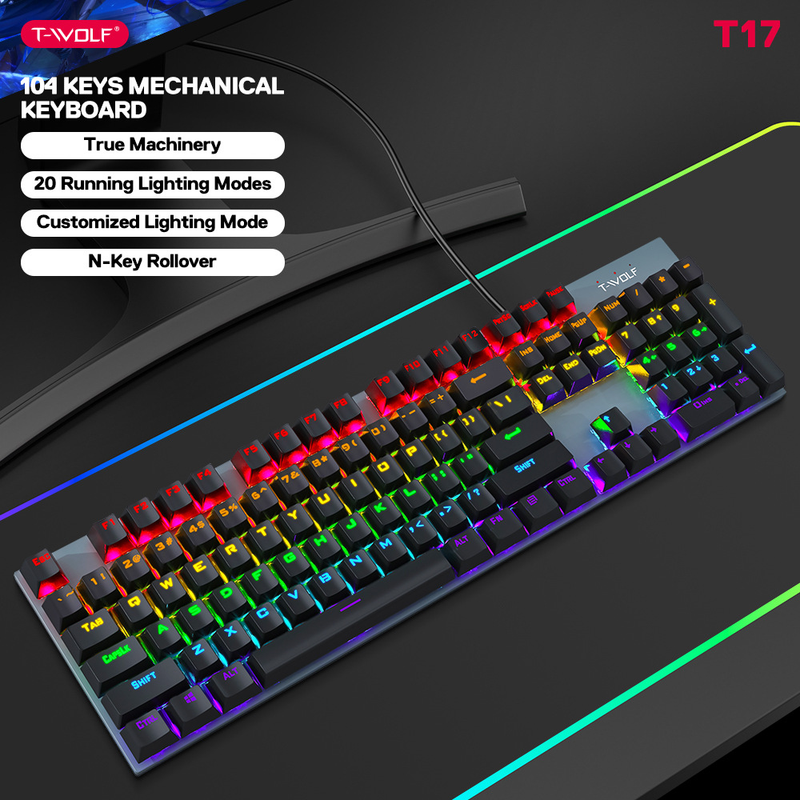
Tastiera meccanica Thunderwolf T17, gioco di eSport, tastiera per laptop con illuminazione RGB in metallo, tastiera punk
94.77
121.35
-22%
2500.00-250.00
1999.00-200.00
1299.00-130.00
889.00-90.00
Articolo n.: 30822516
colore



1,99€ Consegna Voghion
Arriva in 18~30 giorni lavorativi
Buyer Protection
Specifiche dell'articolo
marca compatibile
Acer,Apple,Asus
marca compatibile
Acer,Apple,Asus
marca compatibile
Acer,Apple,Asus
Descrizione dell'articolo da parte del venditore
{"styleType": "offer type 1", "items": "71487474580063692841856654220968083772776073351076759966737669724942843", "usemap": "_sdmap.0"}
T75:
Keyboard size: 435 * 125 * 33mm, bare metal weight: 695G
Packaging size: 470 * 170 * 50mm, including package weight: 856G
One box quantity: 10PCS Outer box size: 480 * 273 * 363mm One box weight: 9.1KG
T17:
Keyboard size: 425 * 120 * 35mm, bare metal weight: 650G
Packaging size: 450 * 150 * 42mm, including package weight: 784G
One box quantity: 20PCS Outer box size: 455 * 415 * 310mm One box weight: 16.5KG
C. The default startup mode is always on.
Light switching mode
1. Backlight stays on, press
2. Then enter "breathing".
Switch the backlight status with the key.
3. The constant light mode alternates between 1, 3, 5, and 2, 4, and 6.
4. Alternating breathing patterns of 1, 3, 5, and 2, 4, and 6.
5. Spread from the middle two groups to both sides and light up sequentially.
6. Light up sequentially by contracting from both sides to the middle.
7. From group to group 6, they are stacked downwards and illuminated sequentially.
8. From group 6 to group 1, stack and light up sequentially.
9. Spread from the middle two groups to both sides and light them up in sequence.
10. Shrink from both sides to the middle and then stack and light up sequentially.
11. Light up from 6, 5, 4, 3, 2, and 1 in order of rear end collision
12. Light up the rear end in the order of 1, 2, 3, 4, 5, and 6.
D. FN+↑, ↓ Adjust backlight brightness FN+SCRLK Turn off backlight
FN+←, → Adjust the backlight breathing frequency, default to high gear. When the backlight is breathing, FN+↑, ↓ can also adjust the backlight brightness simultaneously.
FN+- When adjusting, breathing and flickering are accelerated, with 3 levels of adjustment.
When adjusting FN+←, breathing and flicker are slowed down, and there is a 3-speed adjustment.
When adjusting FN+↑, the overall brightness of the light increases, increasing in three levels.
When adjusting FN+↓, the overall brightness of the lights decreases, decreasing in 3rd gear, and turning off the button lights in 4th gear
Ricerche correlate
Tastiera al 96%tastiera bluetooth per tablettastiera magneticapulitore per tastieratastiera e mouse wirelesstastiera completatastiera e mouse ergonomicitastiera illuminatatastiera compattainterruttori della tastiera cremositablet con penna e tastieratastiera brailletastiera miditastiera e mouse da giocotastiera viola