

Voghion: Explorez, achetez, profitez
Coupons de 99 € pour les utilisateurs de l'application
OBTENIR








1/6
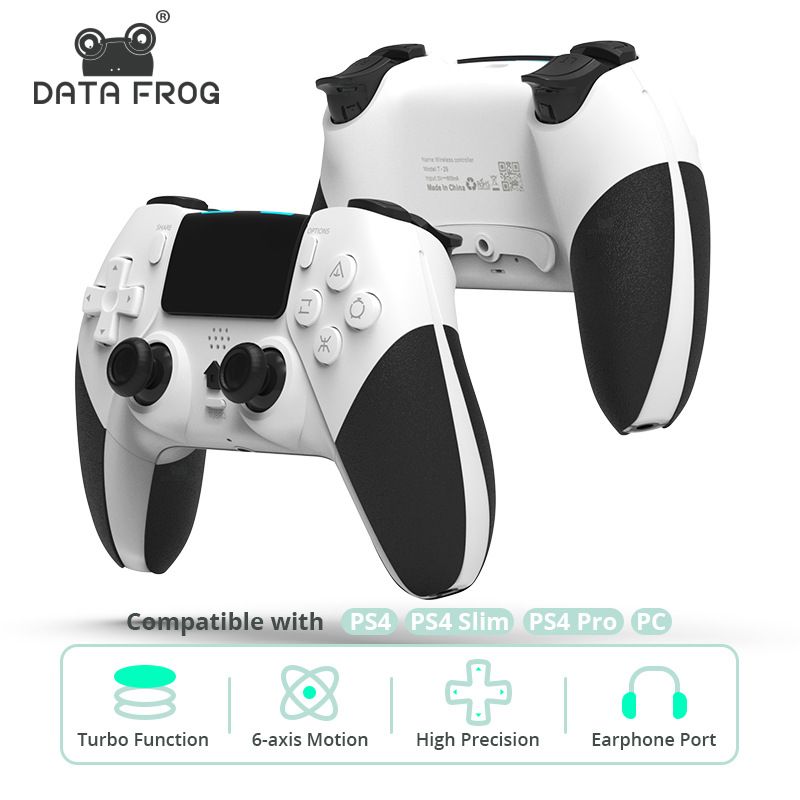
Convient pour console PS4/Slim/Pro, jeu sans fil Bluetooth avec contrôleur T29 de vibration tactile à six axes
€52.10
€66.70
-22%
€1.01-€1.00
€2,500.00-€250.00
€1,999.00-€200.00
€1,299.00-€130.00
Numéro d'article: 22319239
Couleur du produit
2,99 € Livraison Voghion
Arrive dans 20 à 40 jours ouvrables
Buyer Protection
Caractéristiques de l'article
Raccordement
Bluetooth
Marque compatible
Atari, Playstation 5, Sega
Description de l'article par le vendeur
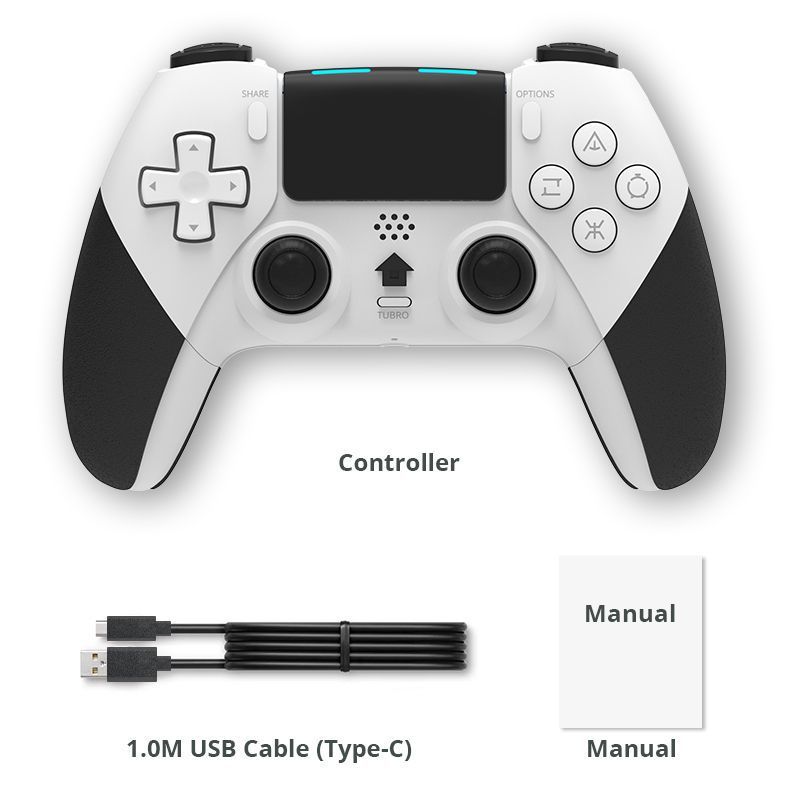
This product is a PS4 controller with macro programming, six axes, vibration, turbo function, and built-in 800 battery. It belongs to the wireless Bluetooth controller (using wireless Bluetooth technology) and has built-in turbo and button mapping functions, which can be remotely controlled and operated conveniently. It can be used on PS4/PS4slim/PS4Pro hosts to play PS4 games (not PS5 games) on PS5 hosts
Scope of product use:
Suitable for PS3/4/5 game consoles (P4 games only on P5), Windows computers 7+or above
Turbo and Clear operating instructions:
Turbo combo function: Press and hold the Turbo key, then press the function key once to activate the Turbo combo function; Press the above combination of keys again to cancel the Turbo function of that key;
When using the controller for the first time, it needs to be connected to the PS4 host:
Turn on your PS4 console, connect it with a Micro USB data cable, and then press the "HOME" button on the controller. When the controller is connected to the PS4 console, the light bar will flash white and leave a blue or other colored channel light. You can unplug the data cable and use the controller now. Game use of Steam and Epic level downloadable controllers on Windows computers, without the need to install drivers; Using native controllers for games (MFI/HID games) on Apple phones/computers/Apple TVs and Android phones;
Product parameters:
Voltage: DC 5V
Bluetooth version 4.2
Transmission distance: about 8 meters
Working current:
Vibration current: 150mA
Charging current: approximately 450mA
Battery capacity: 800mAh
Charging time: approximately 3 hours
Usage time: approximately 10 hours
Standby time: about 30 days
Weight with packaging: 350g
Packaging size: 17 * 5 * 11cm