



1/6
Buy now pay later
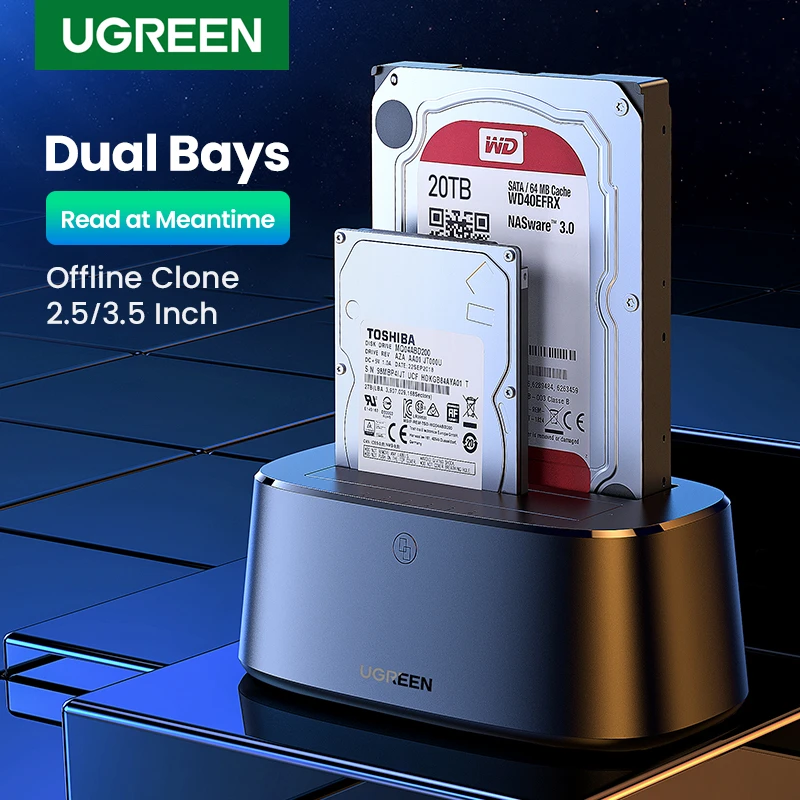
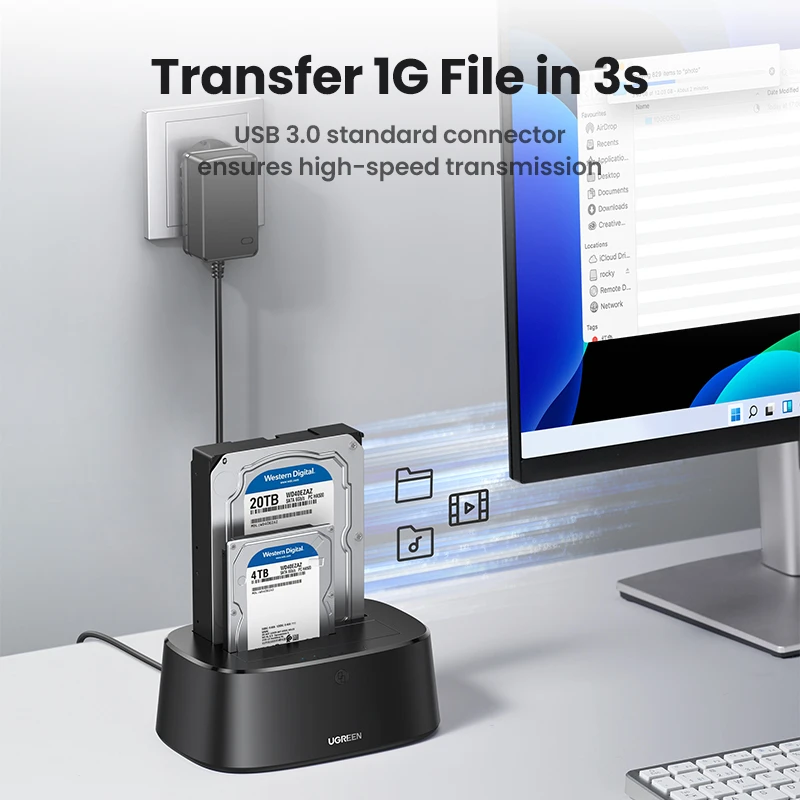
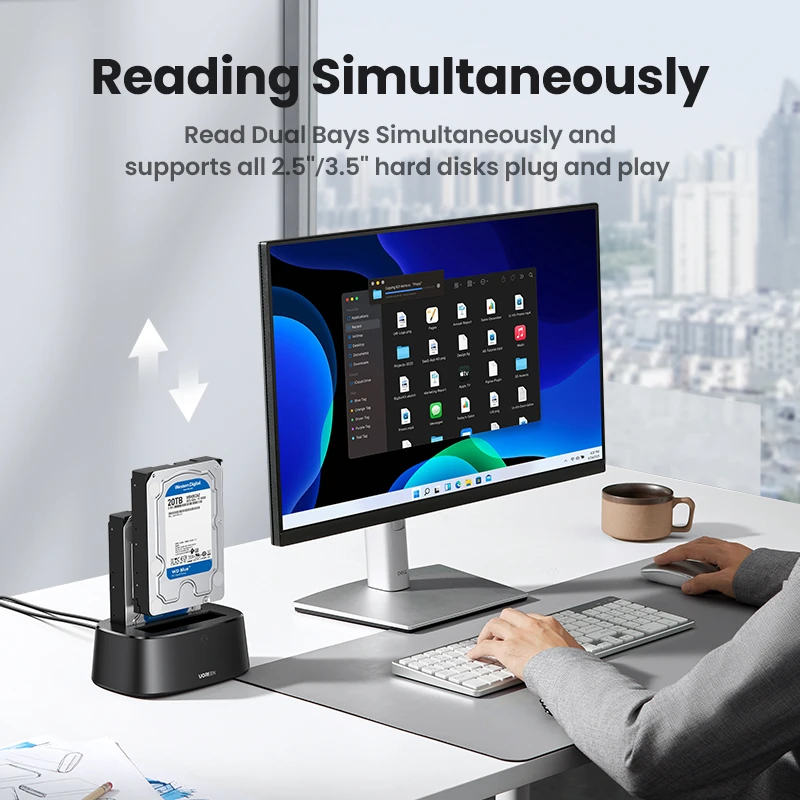
UGREEN HDD Docking Station SATA To USB 3.0 Adapter For 2.5 3.5 SSD Disk Case HDD Box Dock Hard Drive Enclosure Docking Station
72.56
93.03
-22%
2927.57-292.76
2340.89-234.21
1521.17-152.23
1041.04-105.39
ItemNo: 29574721
Type
Dual Bay EU Power
Free Shipping via Free Local Deliver
Arrives in 3~5 business days
Buyer Protection
Item specifics
Size
Other
Waterproof
No
ltem description from the seller
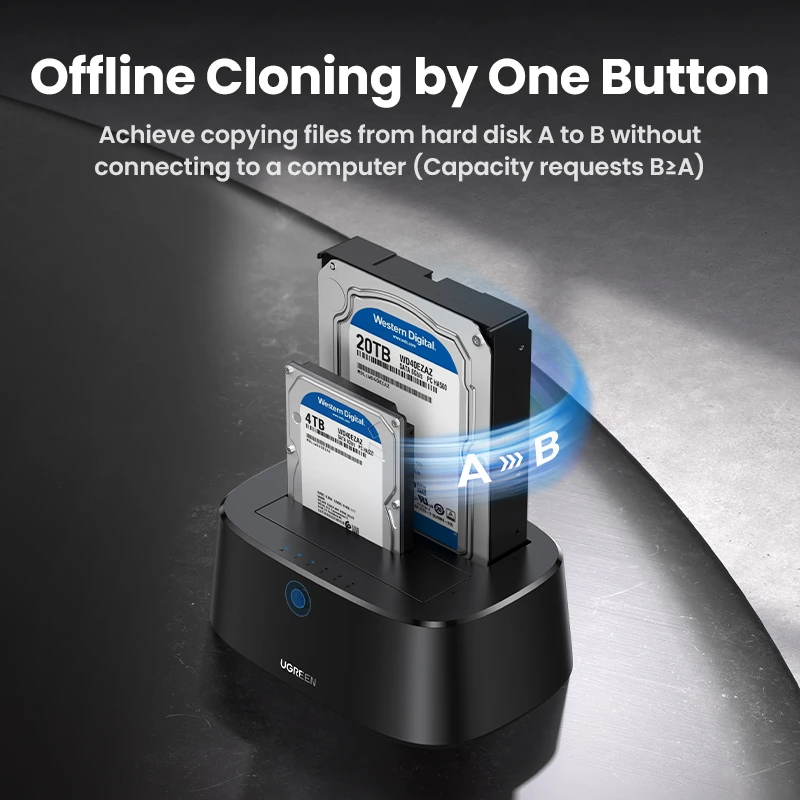
Hard Drive Offline Clone Function
1. Insert Source Disk into hard drive Source bay, then insert Target Disk into hard drive Target bay.
2. Make sure that the USB cable is disconnected from your computer.
3. Connect power supply and switch on power.
4. Hold the clone button for 5-6 seconds, when the lights are blinking,and the clone progress starts.
5. A Blue LED will flash on 25% indicating that the cloning process has begun.
6. The cloning process is complete when ALL the lights turn on.
7. Finally press the power switch to the OFF position and eject your drives.
Product Specifications
Brand : UGREEN
Model No. : CM198
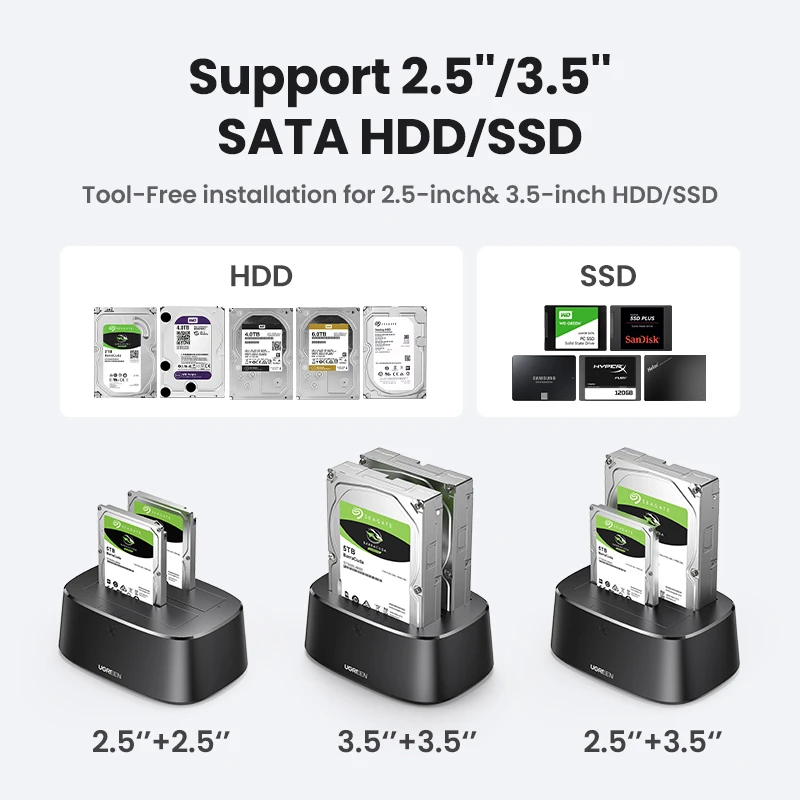
Product : 2.5''/3.5'' Hard Drive Docking Station
Compatibility: 2.5''/3.5'' SATA HDD/SSD
Cable:1M USB C to B data cable
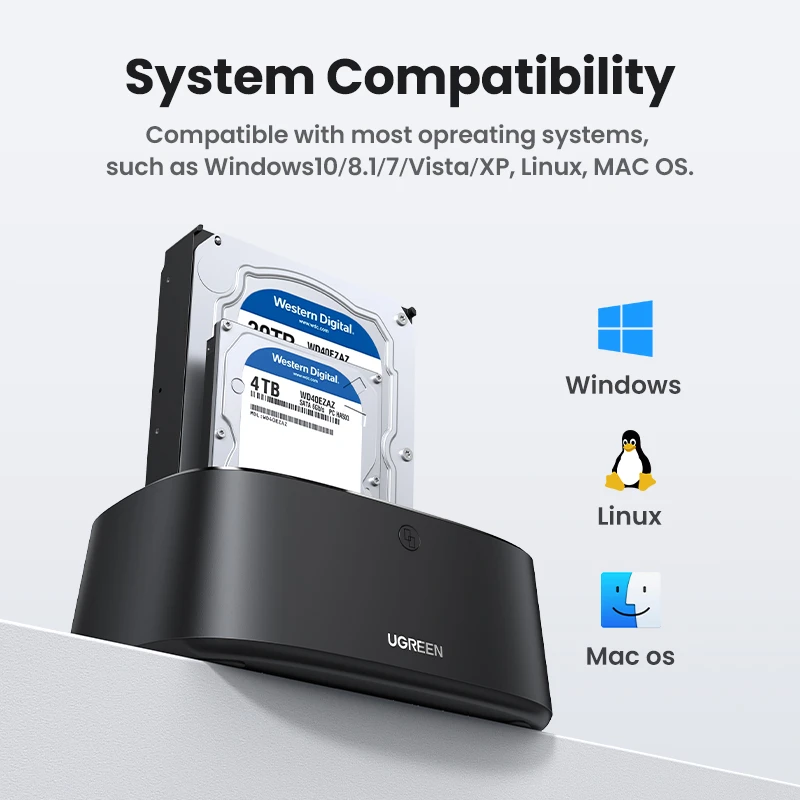
System : Compatible with most opreating systems, such as Windows 10/8.1/7/Vista/XP, Linux, MAC OS
Power supply: 12EU 12V/3A
Shell Material: PC+ABS
Package: UGREEN box